
Essential Open-Source Software for Independent Artists & Musicians
At a Glance
Over years of producing webcomics at Homemade Cartoons and recording music with my band Lorenzo’s Music, I’ve tried to only use open-source software for all of my media projects. Here is a curated roundup of the open-source applications I use.
1. Ubuntu Studio (Operating System)
Ubuntu Studio is a Linux-based operating system pre-configured specifically for audio, video, and graphic production.
- Why It’s Essential: It comes pre-packaged with all of the open-source software I use. So I don’t have to go find what I need, I have all the programs I need ready to go.
- Key Use Case: Running as the core operating system on mine and my bands machines to coordinate audio projects for recording music remotely over Git.
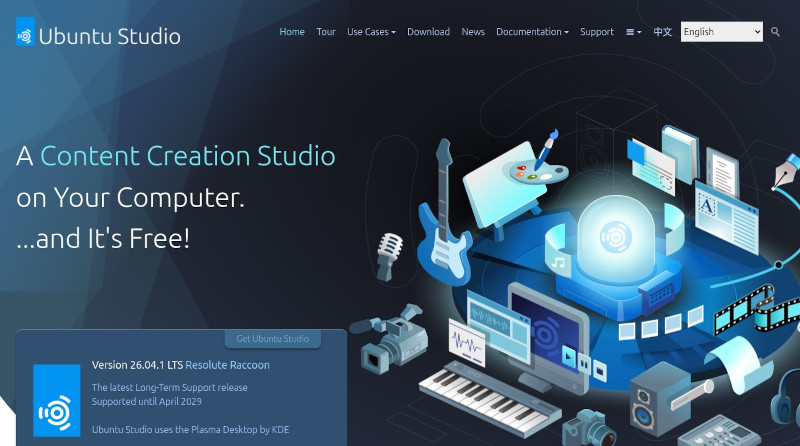
Ubuntu Studio Website - https://ubuntustudio.org
2. Ardour (Digital Audio Workstation)
Ardour is a professional-grade digital audio workstation (DAW) designed for multi-channel recording, editing, and mixing.
- Why It’s Essential: The Ardour DAW offers unlimited audio and MIDI tracks, full plugin support, and XML-based session files. And the whole project is open-source.
- Key Use Case: Multi-track recording, mix automation, and mastering for all Lorenzo’s Music album tracks and our live rehearsal sessions.
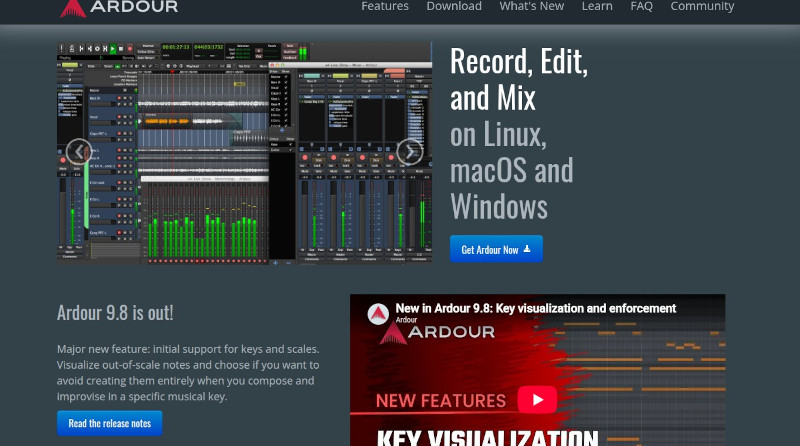
Ardour DAW Website - https://ardour.org
3. Git & Git LFS (Version Control for Audio & Code)
This one goes along with my bands process to work on songs remotely. Git, paired with Large File Storage (Git LFS), brings version control tools to backup our WAV files for our audio DAW projects.
- Why It’s Essential: It replaces standard background cloud sync tools (like Google Drive or Dropbox to share our DAW files) with manual commit milestones and parallel branch timelines.
- Key Use Case: Backing up our multi-track WAV stems, tracking revision histories, and managing band collaboration across branch timelines without merging.
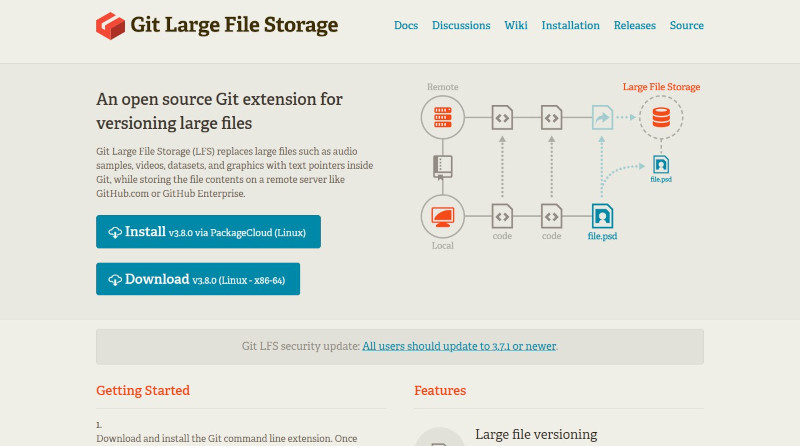
Git LFS Website - https://git-lfs.com
4. OBS Studio (Live Streaming & Video Capture)
OBS Studio is the open-source standard for video recording and live broadcasting.
- Why It’s Essential: It offers multi-source video recording, encoding, and audio to create custom layouts.
- Key Use Case: Broadcasting our weekly band live streams, recording walkthrough videos and capturing the screen.
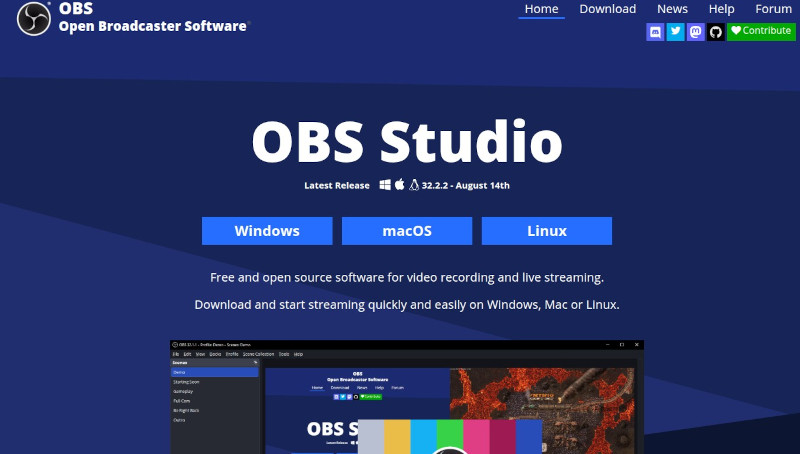
OBS Studio Website - https://obsproject.com
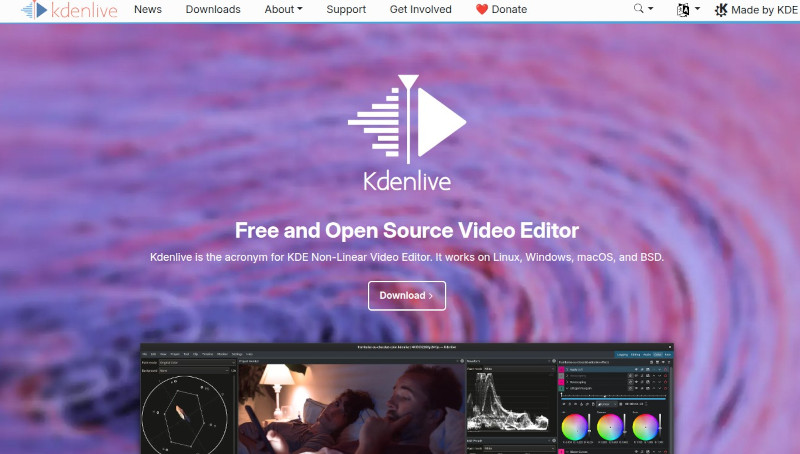
5. Kdenlive (Video Editing)
Kdenlive is an open-source video editor with multi-track editing, transition effects, and customizable rendering options.
- Why It’s Essential: It offers full-featured video editing capabilities without subscription fees or export watermarks, easily handling multi-cam footage, audio sync, and title overlays.
- Key Use Case: Cutting and editing behind-the-scenes walkthroughs, music videos, live band performance clips, and social channel reels.
Kdenlive Website - https://kdenlive.org
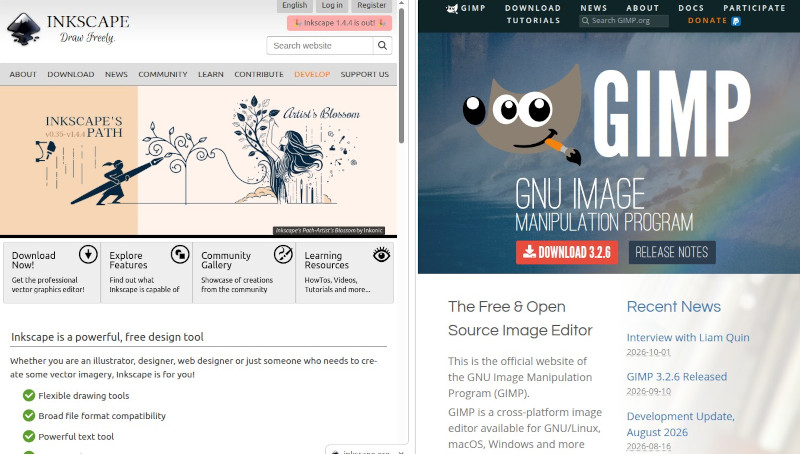
6. GIMP & Inkscape (Image Editing & Vector Graphics)
GIMP (GNU Image Manipulation Program) and Inkscape are two programs for photo editing and vector graphic creation that I use for illustrations, photos and text for album artwork and more.
- Why It’s Essential: GIMP handles photo editing, color adjustments, and resizing, while Inkscape is great for vector drawing illustrations, lettering, and logos.
- Key Use Case: Inking, coloring, drawings, cover formatting for my self-published comic eBooks, and designing album art and banners. They work great together.
Inkscape Website - https://inkscape.org
Gimp Website - https://www.gimp.org
What’s in Your Open-Source Toolkit?
Do you use open-source software for your art or music projects?