
How I chose a webcomic size to use for websites and books
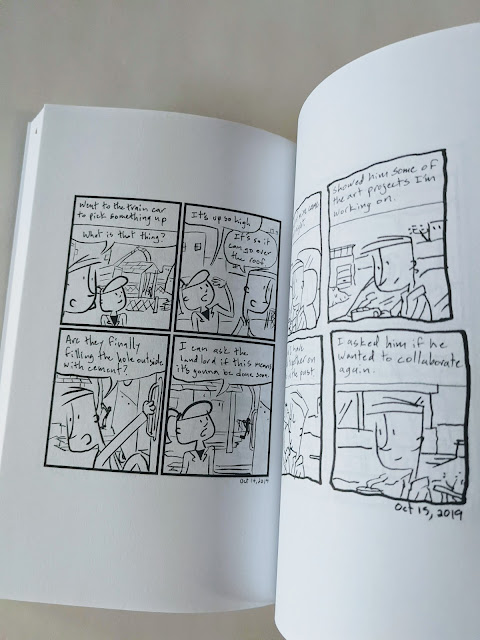
How I chose one size for my webcomic that works for websites and to use in a book
Over time, my webcomic transformed into more than just something I posted on my website. It was a thing that I could find multiple uses for.
Now when I draw the comic I know that it's going to be used for a book and put on multiple media websites and webcomic sites.
I draw one thing and it's being turned into several things at once.
Right now I draw the webcomic using these dimensions:
1000px by 1200px and a dpi of 300
Here is the story of how I decided this is what the size of my webcomic should be.
(Related post: Choosing webcomic book sizes for print - How do I make my webcomic books)
When I started my webcomic I just chose a size at random
When I first started drawing the comic I was just posting it on my website.
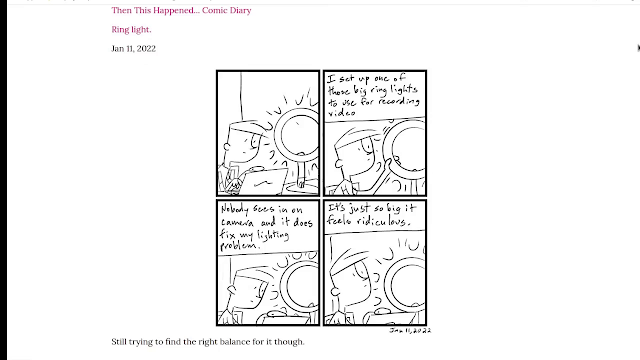 |
| Screenshot of my webcomic on the site |
I just picked a size for the comic that was a large rectangle like a comic page and I just went with it. No real thought behind it.
This wasn't a problem at the time. But I wasn't thinking ahead.
I wasn't thinking about how the comic would transform to other sites and mediums.
Adjusting the sizes for each medium seemed like more work
I could adjust the size of the webcomic for each of these different platforms. But it would take extra work. It would take manipulating what I had and then creating several different versions of it.
So I decided I wanted to find a way for me that was smarter rather than harder.
I started posting to webcomics sites
I had started posting my comics to different webcomics sites. I wanted to try and put them in a place where people were actively looking for webcomics.
I could cross-post to that instead of trying to find people and bring them to my site.
Tapas webcomics
One of the first ones I started using was tapas.io.
The size requirements for tapas is 940px wide
They even offer a monetary reward system and they also share ad revenue on the site.
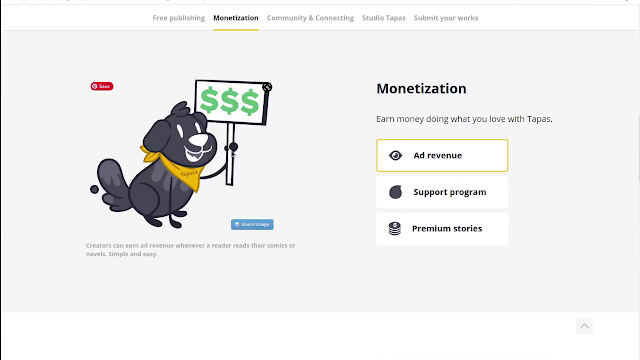 |
| Tapas.io monetization program |
I can get ad-sharing revenue if I get more people to view my comic. So that part's really cool!
Webtoons
I also post to a webcomic site called webtoons.com.
The size requirements for Webtoons is 800px wide
Webtoons also have an ad sharing program but you have to have a certain amount of followers to apply to be in it.
Webcomics on Instagram
I had also started posting my webcomic to Instagram about halfway through creating my first webcomic book.
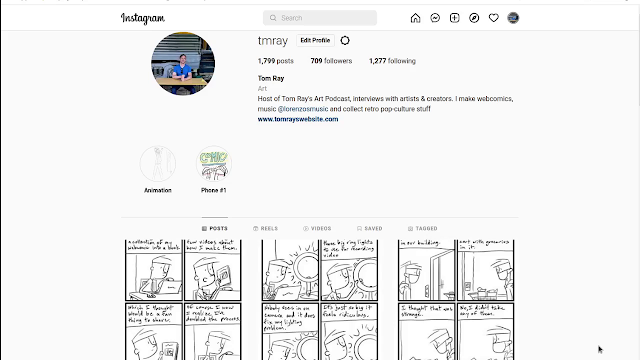 |
| My webcomics on Instagram |
For the most part, Instagram likes square images.
But I have found I can post a taller rectangle on my Instagram feed.
The tallest image I found that works in the feed is 1200px
So if I resized my webcomic the width then became 1000px
Which is the size of the comic I ended up using.
I went with the Instagram size because it was larger than the size of all the other sites.
So now I could use my Google Photos resizing trick to adjust it for the other webcomics sites.
This size also worked out great for my webcomic books.
Check out the video
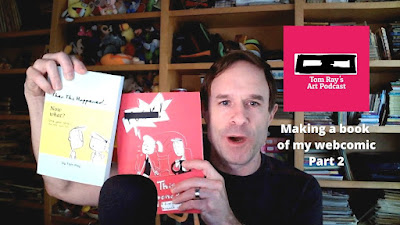
I made a video talking more about this and the whole process of making my webcomic book. You can check that out on the site here! Making a Webcomic Book on Amazon - Part 2